Every tool you need to make visual stories work
StoryRetriever is built specifically for visual social narratives, not a general-purpose presentation tool repurposed for therapy.
Story Creation
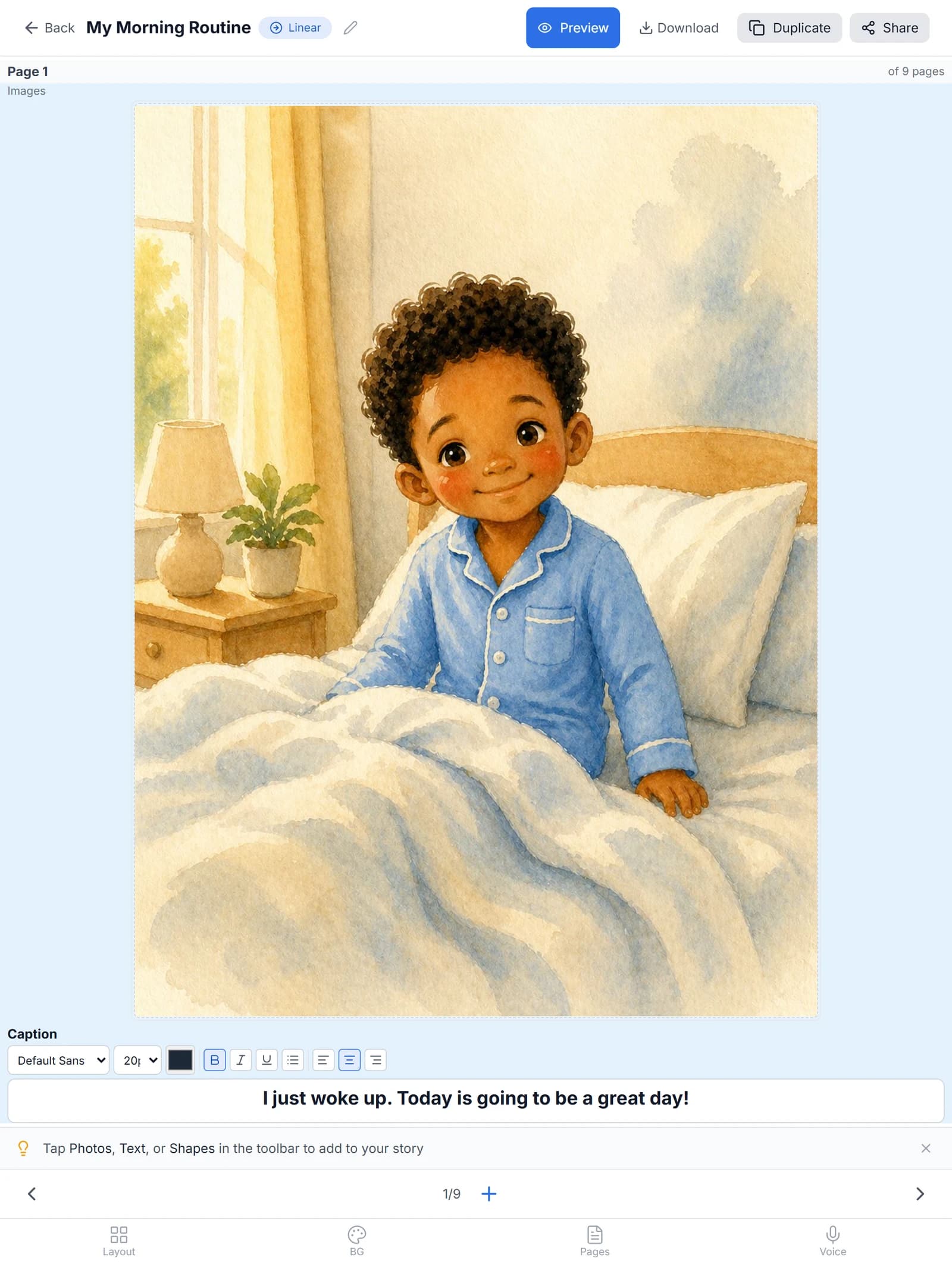
Drag-and-drop canvas editor
Build pages with text, images, and audio in an intuitive visual editor. Move elements around the page, resize photos, and lay out each scene the way the child experiences it.
Branching narratives
Add decision points so children can practice making choices and see how each option plays out. Useful for teaching what to do if the first plan does not work, like asking a teacher when the bathroom is occupied.
Voice recording
Record audio narration for each page so children can hear the story read aloud. Use your own voice, a parent’s voice, or the child’s sibling, whichever the child responds to best.
Collaboration
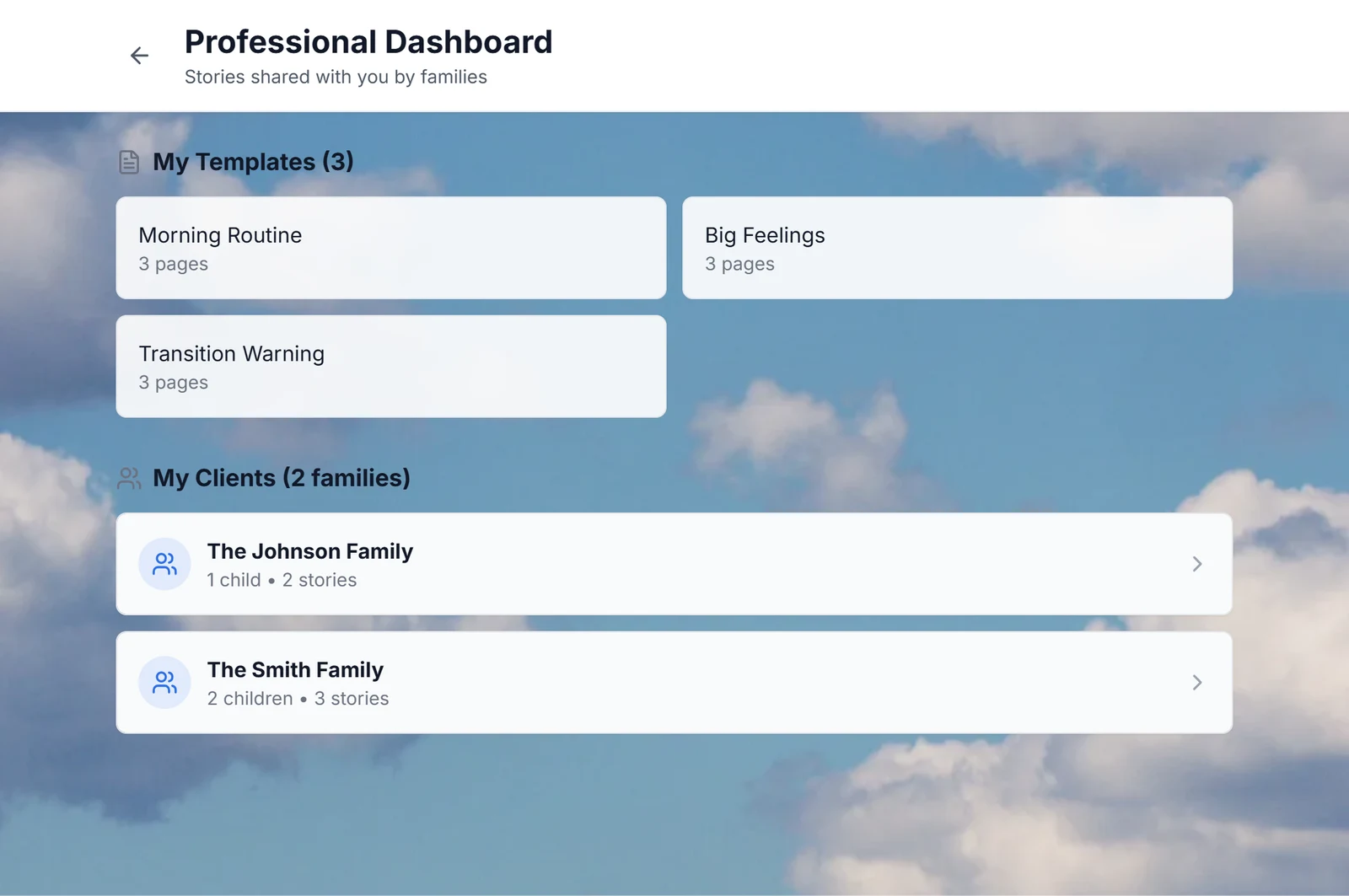
Secure family sharing
Share stories with families via a secure link. They can view and play without an account, which is the fastest path for grandparents, babysitters, or substitute teachers who need the story for one specific moment.
Professional connections
SLPs connect with multiple families; families connect with their SLP. The professional dashboard shows every connected family and the stories shared with each one, so nothing gets lost between sessions.
Permission levels
Control whether families can view only, edit, or reshare stories. Useful when an SLP wants to keep clinical content stable while still allowing a family to add a personal photo or two.
Story share-back
Families can share their own stories back to their SLP for review and feedback. The SLP sees exactly what the family is using at home, which keeps therapy and home life pointing in the same direction.
Offline & Mobile
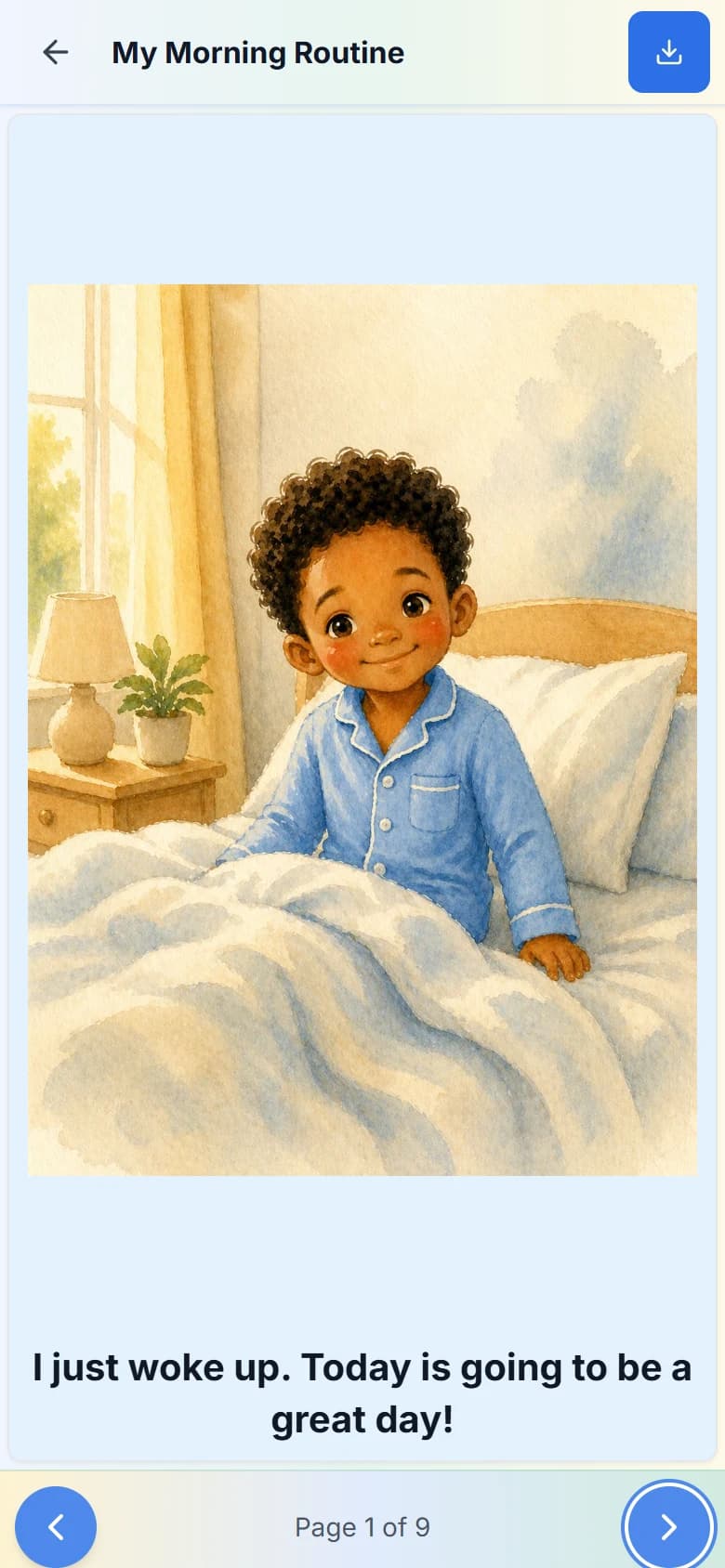
Full offline access
Stories are cached locally. Children can read them anywhere, no Wi-Fi needed, including on a flight, in a car, or in a basement waiting room with no signal.
Designed for tablets
Stories present beautifully on iPad, Android tablets, and Chromebook touchscreens. Wherever children read, the layout adapts. Page transitions stay smooth at the screen sizes children actually use.
iOS & Android apps
Available on the App Store and Google Play. Download StoryRetriever on iPhone, iPad, or Android for the best native experience. The same account works across every device, so a story built on a laptop is ready on the phone seconds later.
Security & Privacy
Designed with child privacy in mind
We do not collect data directly from children. All data flows through parent or professional accounts and is encrypted in transit and at rest.
PIN-protected edit mode
Children can read stories safely without accidentally editing them. Turn on PIN protection so handing the device to a child does not put the story at risk.
Secure data storage
All data encrypted at rest and in transit via Supabase. Stories, photos, and audio are stored in regions with strict data protection rules and are never sold or shared.
No ads, ever
StoryRetriever will never show ads to children or families. Our model is paid plans, not attention harvesting.
What StoryRetriever doesn’t do
A short list of what we don’t claim, so you can decide if it fits your needs.
- Not a clinical AAC system. Communication Boards are included free, but they don’t replace dedicated AAC tools like Proloquo2Go or TouchChat for children who need a structured vocabulary system.
- Not a replacement for direct therapy. Visual social narratives support clinical work; they don’t substitute for what an SLP does in session.
- Not a behavior management plan on its own. Stories prepare a child for a situation. They work best as part of a broader plan with the child’s clinical team.
- No text-to-speech. Communication Boards play audio you record yourself.
- Not a clinical assessment tool. We do not collect outcome data or generate progress reports.
Common questions
- Do you have an iPad app?
- Yes. There’s an iPad app on the App Store and an Android app on Google Play. Stories also work on Chromebook, Windows, and Mac through any modern browser, with no install required.
- Does StoryRetriever work offline?
- Yes. Once a story or communication board is downloaded, it works without internet. You can read stories on a flight, at a relative’s house with bad Wi-Fi, or in any setting where connectivity isn’t reliable.
- Can I use my own photos?
- Yes. Every story and every cell of every communication board can use your own photos. Real photos of the child’s actual world work better than stock images for many children.
- Is there a free plan?
- Yes. The free plan includes 1 story you create, 1 story shared with you, and 1 communication board. Paid plans (Silver, Gold, Professional) start at $4.99 per month and include unlimited stories.
- Can my child’s school SLP and I use the same story?
- Yes. An SLP creates a story in session and shares it with the family. Both sides see the same version, and updates sync automatically.